Simple plans, for one person or a whole team.






- More on request — tell us which tool your team works in
- More on request — tell us which tool your team works in
Larger organization?
Tell us how your company works — single sign-on, procurement, more seats than a card should carry — and we'll come back with options.
Talk to usAsking Nod about your own memory never costs extra. Capture hours and integration credits are monthly pools: when one runs out, capture or connected-tool reads pause until the next period, or you add a one-time pack — never an automatic charge. Start free for 14 days with every Pro feature, no credit card. Billed via our Merchant of Record, taxes included. 7-day money-back guarantee, cancel anytime. Regional (PPP) pricing available.
Wall of love
Loved by people with too much to keep track of
What changed for them — in their words.
Half my calls are in Serbian, the rest in English, and I didn't expect it to just handle both. I don't set anything or flip a toggle, it follows whatever we're speaking. That's the thing that sold me.
 Mykhailo LoginovFounder
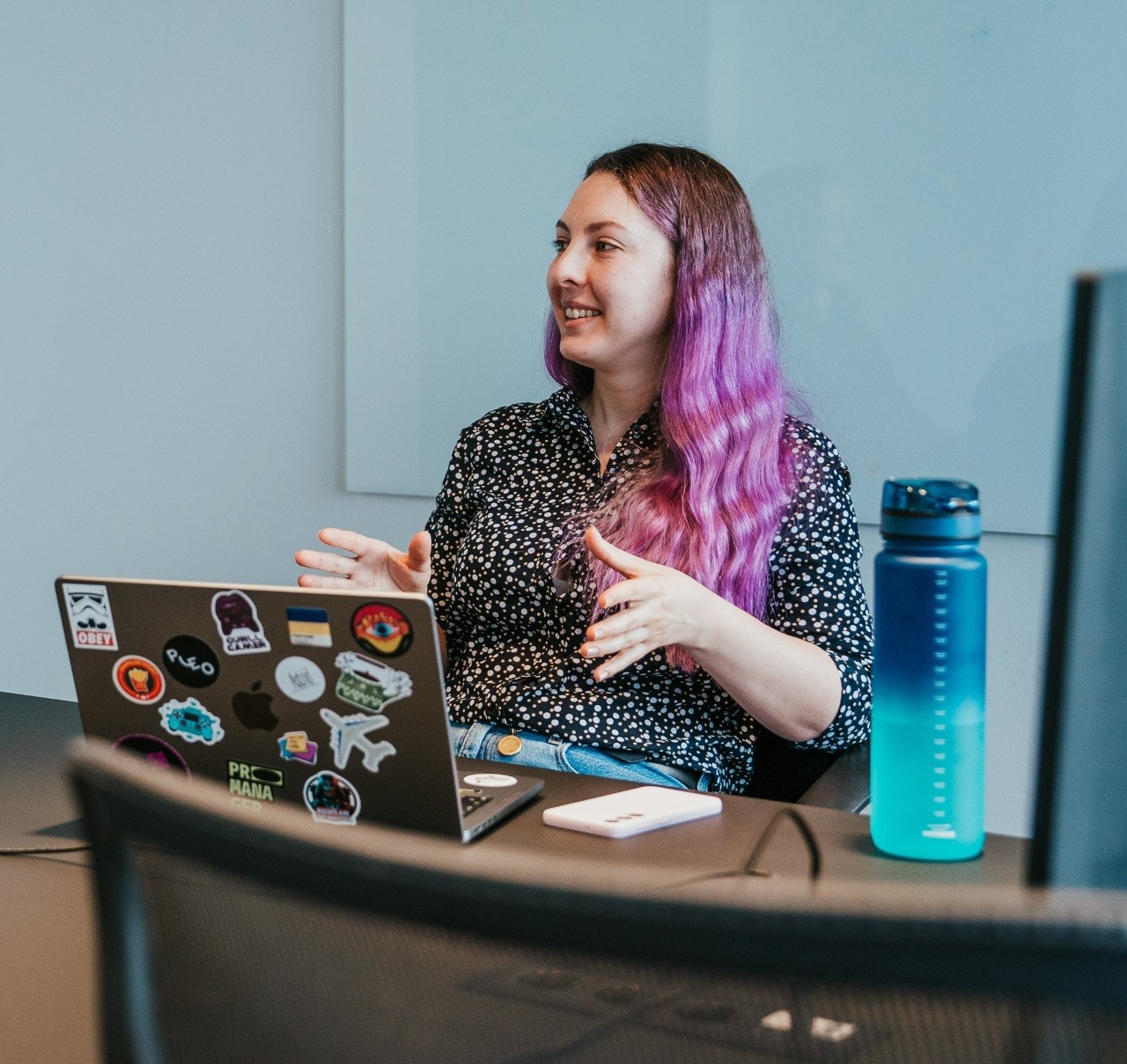
My calendar is basically one call after another. The nice part is I can actually listen now instead of half-typing notes and missing half of what people say. If something slips, I just check it later.
 Lisa ZubachevaEngineering Manager
I gave up on taking notes in standups ages ago. Now Nod does it and I ask it later if I need something. The big one for me: nobody on the call sees a bot join, it just runs on my side.
 Den DovhanSoftware Engineer
I'm on calls with people all day and keeping track of who said what used to wreck me. Now I can just talk to the person in front of me and trust the details are there when I go back.
 Mary BielovolovaTalent Acquisition / Career Consultant
Support is mostly remembering what someone told you three weeks ago. Having every call written up so I can go back to it has made following up way less of a headache.
So many meetings, so many different people. It all lands in one place now, so I stop losing track of what happened where.
 Viktoriia PiaskinaBrand Strategist
FAQ
Frequently asked questions
Does Nod join my meeting as a bot?
No. Nod listens through your Mac's own audio, so no bot appears in the participant list and the people on your call see nothing new.
Which video conferencing platforms does Nod work with?
Nod works with Zoom, Google Meet, Microsoft Teams, Slack huddles, Discord, FaceTime, and even phone calls on speaker. Because it captures your Mac's audio directly, it works with any app the call is in.
Does Nod store my audio recordings?
No. Nod never writes an audio file — no recording, no waveform export, nothing in the cloud. Audio stays in memory only while the session runs: each chunk is released once its transcript returns, and whatever is held for speaker matching is dropped when the session ends.
Is my data used to train AI models?
No. Neither Nod nor its subprocessors train any models on your transcripts or summaries — every provider route is a no-train route, and chat and summary calls run under Zero Data Retention on top of that.
Do I need to tell other participants I am using Nod?
Yes. Nod doesn't post a notice in the meeting chat, so letting other participants know is your responsibility. Recording laws vary by location, and some require all-party consent.
What can I do with Nod on a day with no meetings?
Nod opens on what's already in your memory: commitments you haven't closed, threads left unresolved, and your last session. You can run a morning briefing, prep for an upcoming call, or pull an action plan from recent conversations on a topic.
Does Nod get more useful over time?
Yes. Every call, meeting, and voice note joins one searchable memory, so the more you capture, the more Nod can answer. Notes from months ago remain fully searchable and still answer questions you have today.
Which languages does Nod support?
Nod supports 35 languages, including English, Spanish, French, German, Portuguese, Arabic, Mandarin, Japanese, Korean, and more. Notes come back in whatever language the meeting was in.
Is Nod available on Windows or mobile?
No. Nod is a macOS-native application and doesn't currently offer Windows, the web, or a released iPhone app.